Clear All the Data
Reconfirm about clearing the data
Select sensor
Telegram Notify Instructions
Step 1
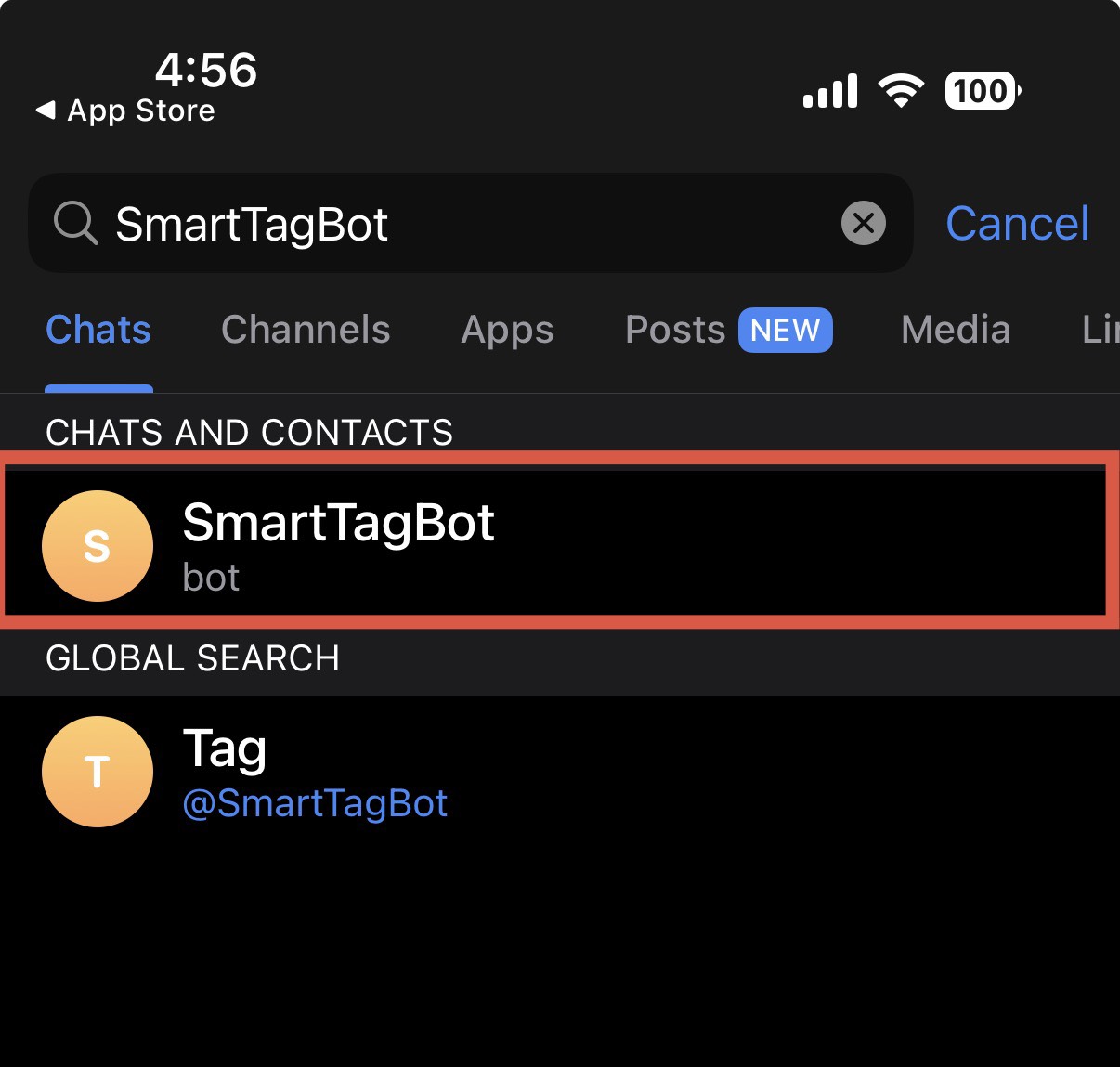
Download and install the Telegram app and log in. Switch to the Contacts tab and search for SmartTagBot, then select the item shown in the image.
Download and install the Telegram app and log in. Switch to the Contacts tab and search for SmartTagBot, then select the item shown in the image.

Step 2
Click 【Start】 below to obtain the UserID shown in the image. Please write it down.
Click 【Start】 below to obtain the UserID shown in the image. Please write it down.
Step 3
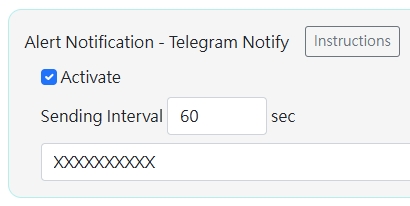
Enter the UserID and check the 【Enable】 box. The transmission interval is the minimum interval between each alarm message transmission, which can be adjusted as needed.
Enter the UserID and check the 【Enable】 box. The transmission interval is the minimum interval between each alarm message transmission, which can be adjusted as needed.
Step 4
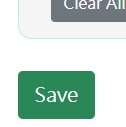
Scroll to the bottom of the screen and select 【Save Settings】.
Scroll to the bottom of the screen and select 【Save Settings】.